
What's that Smile icon?
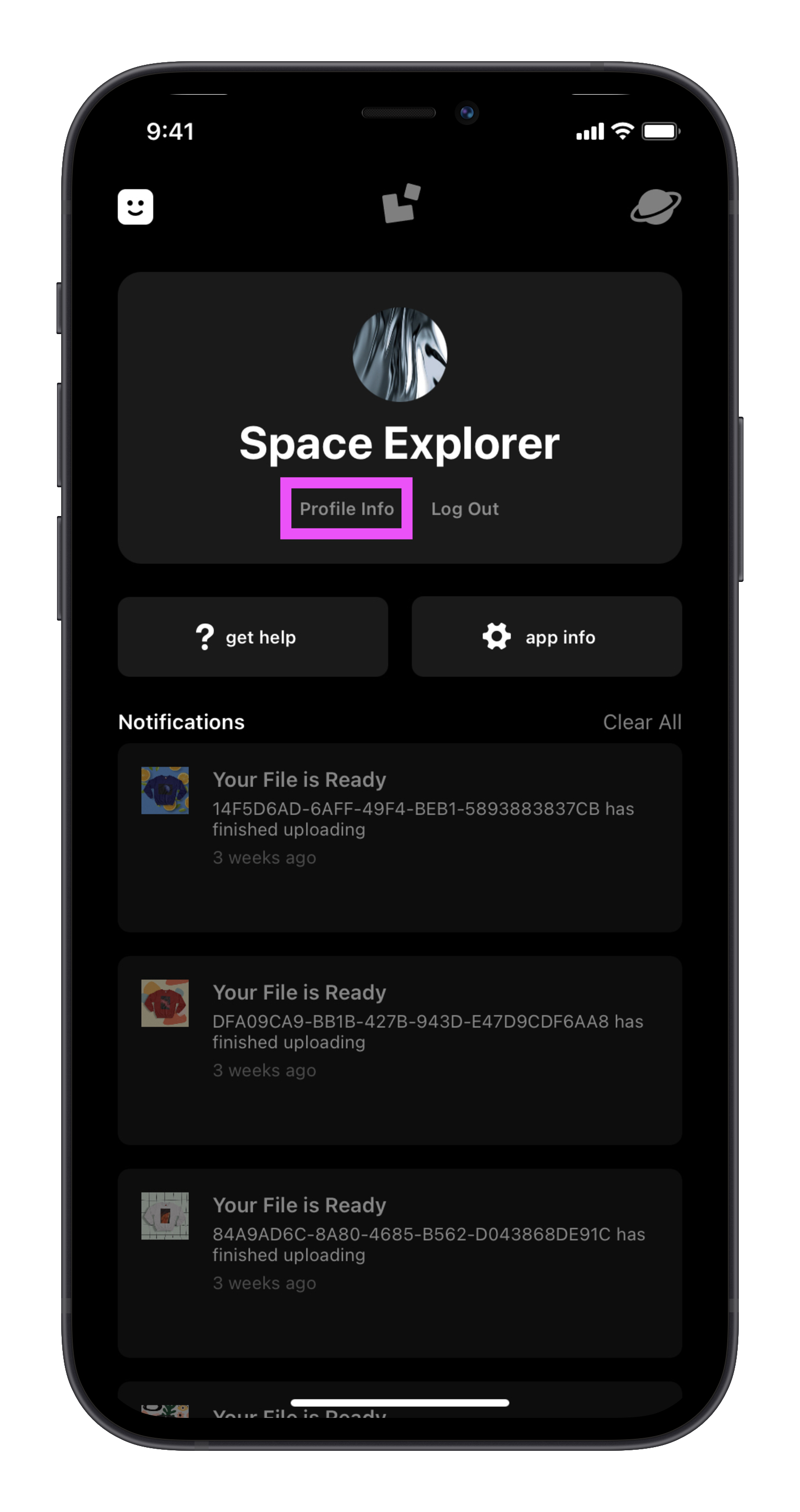
Welcome to your Profile! This section of the app houses important information about you, the app, and how to get help if you need it. By tapping on the Smile icon in the top-left corner on iOS you can access:
- Your info: Now you can edit your name and add a photo! This is the information we'll see you when you contact us. Tap on the Profile Info button under your name to change your profile photo or name.
- Log Out: Tapping this button will close the app and allow you to login/signup next time it is opened.
- Help: We're here to help if you get stuck! Tap Get Help to gain access to our guides, help articles, or contact Support directly.
- App Info: Tap App Info under your name to learn more about the Univer.se Team or see what version of Univer.se you are on.
- Notifications: See any notifications that you might have from Univer.se.
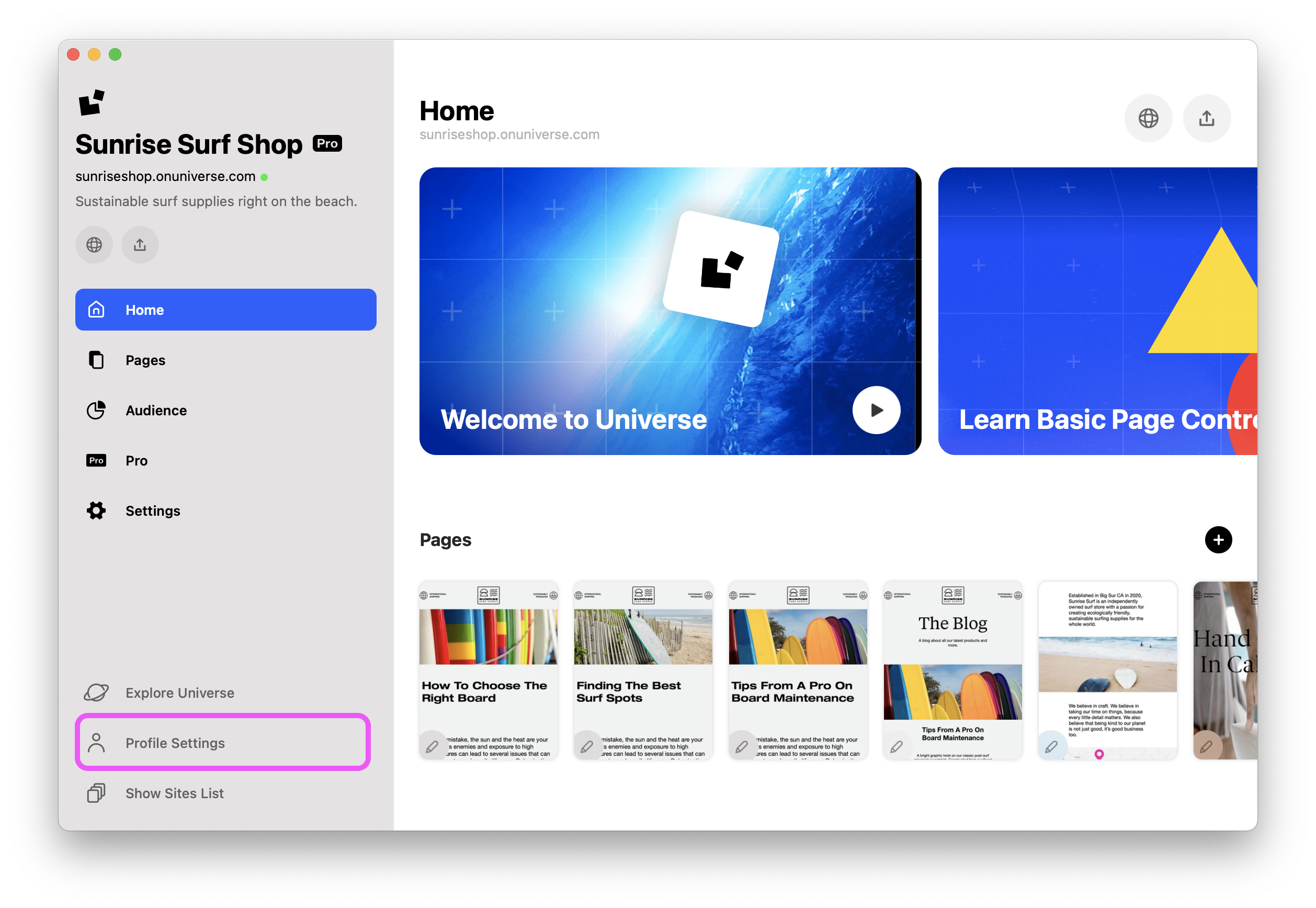
To access your profile on macOS:
- Click on the Profile Settings button located in the bottom left of the Dashboard
Ask the Community
Do not worry. You are not alone! Ask other Universe creators how they solved this problem. Visit the community. ✌️