
There's no limit to how many sites you create. Build away!
Univer.se allows you to create as many websites as you could possibly want. Univer.se Pro is valid for each site individually, but you can create as many free sites as you want and even upgrade them to Pro.
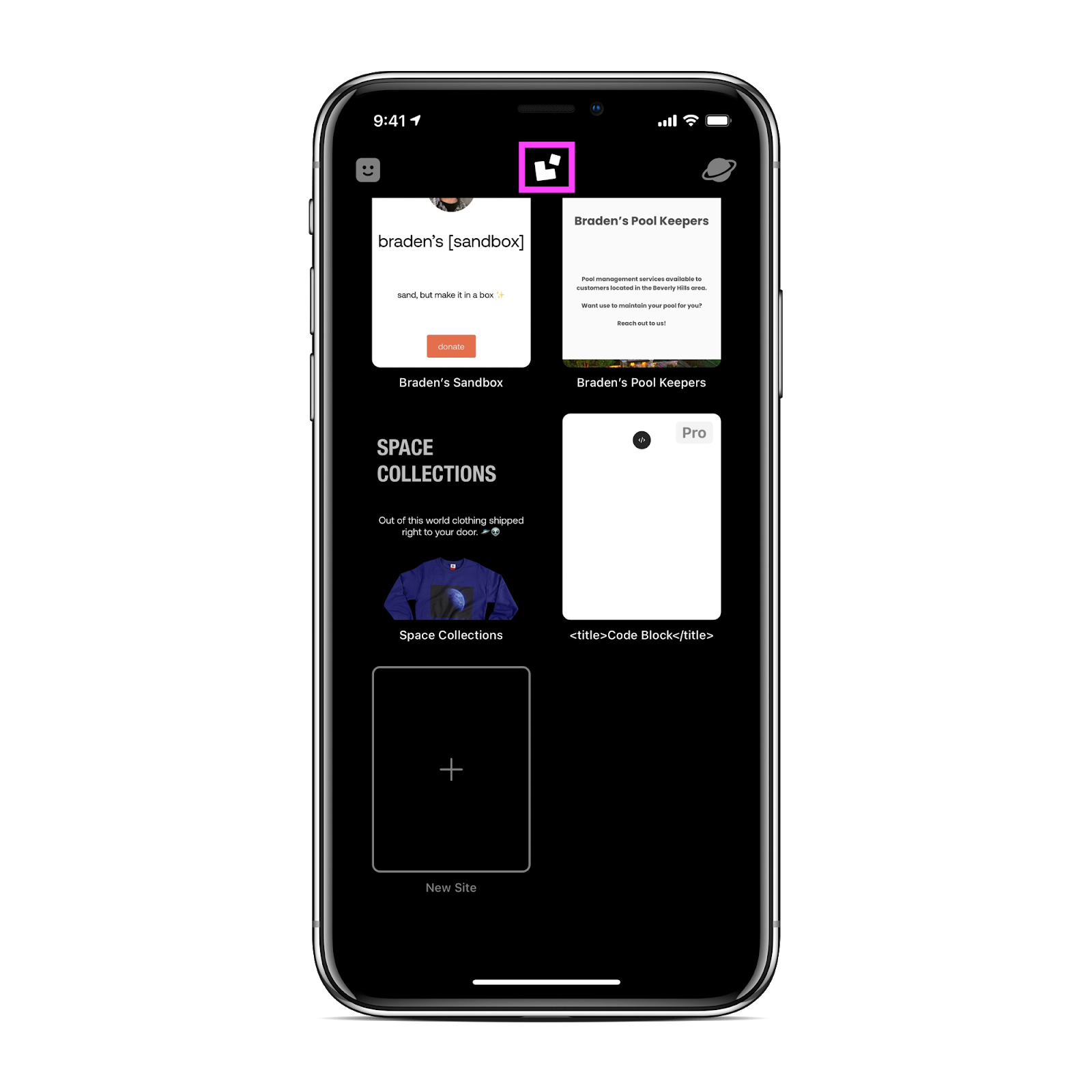
To create a new site/switch the active site on iOS:
- Tap the white Univer.se logo located at the top of the Dashboard to navigate to your Sites List.
- At the bottom of your Sites List will be an empty tile titled New Site.
- Tap this button and begin creating!
To create a new site/switch the active site on macOS:
- Click the Show Sites List button located in the bottom left.
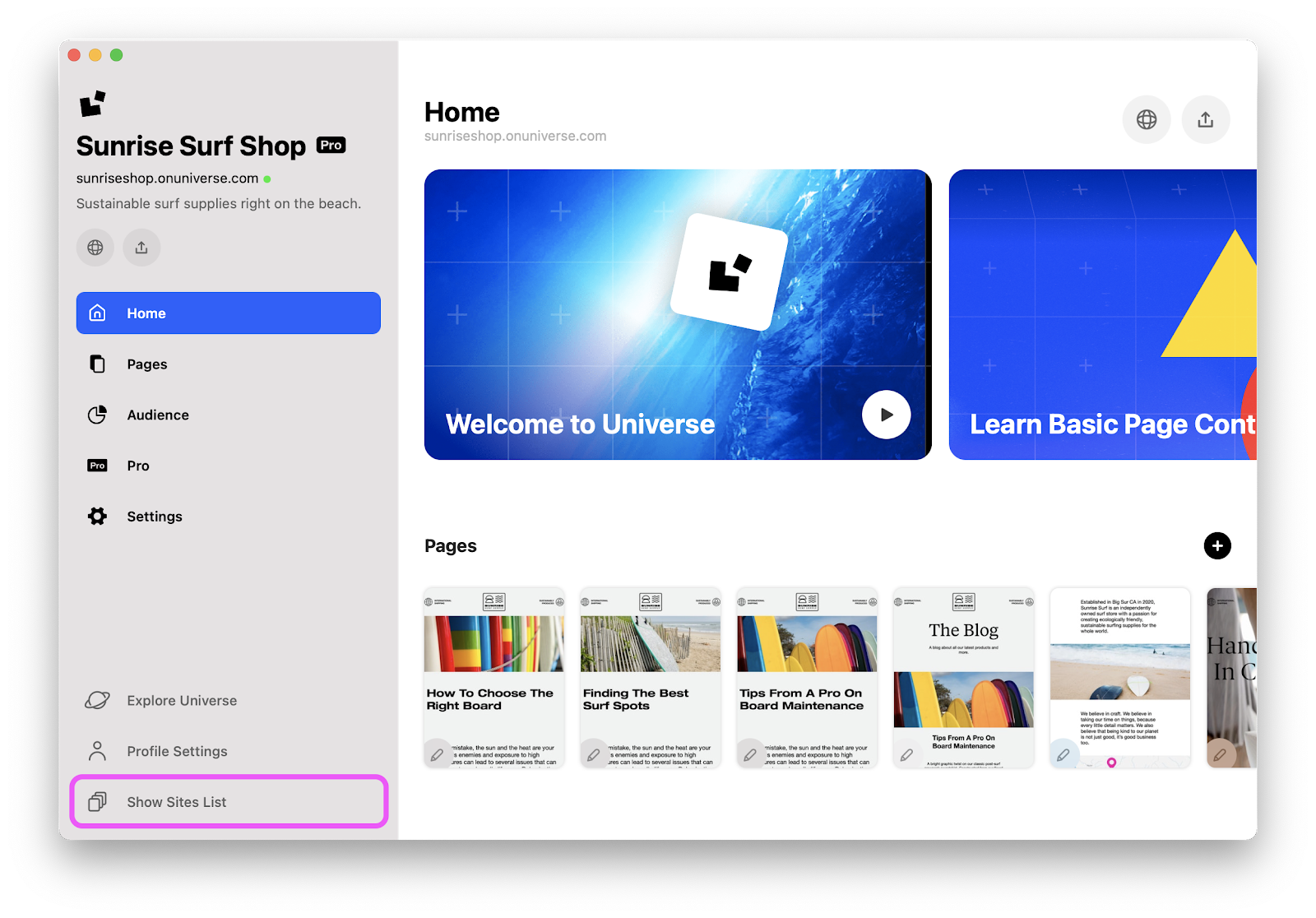
- Your sites will now appear.
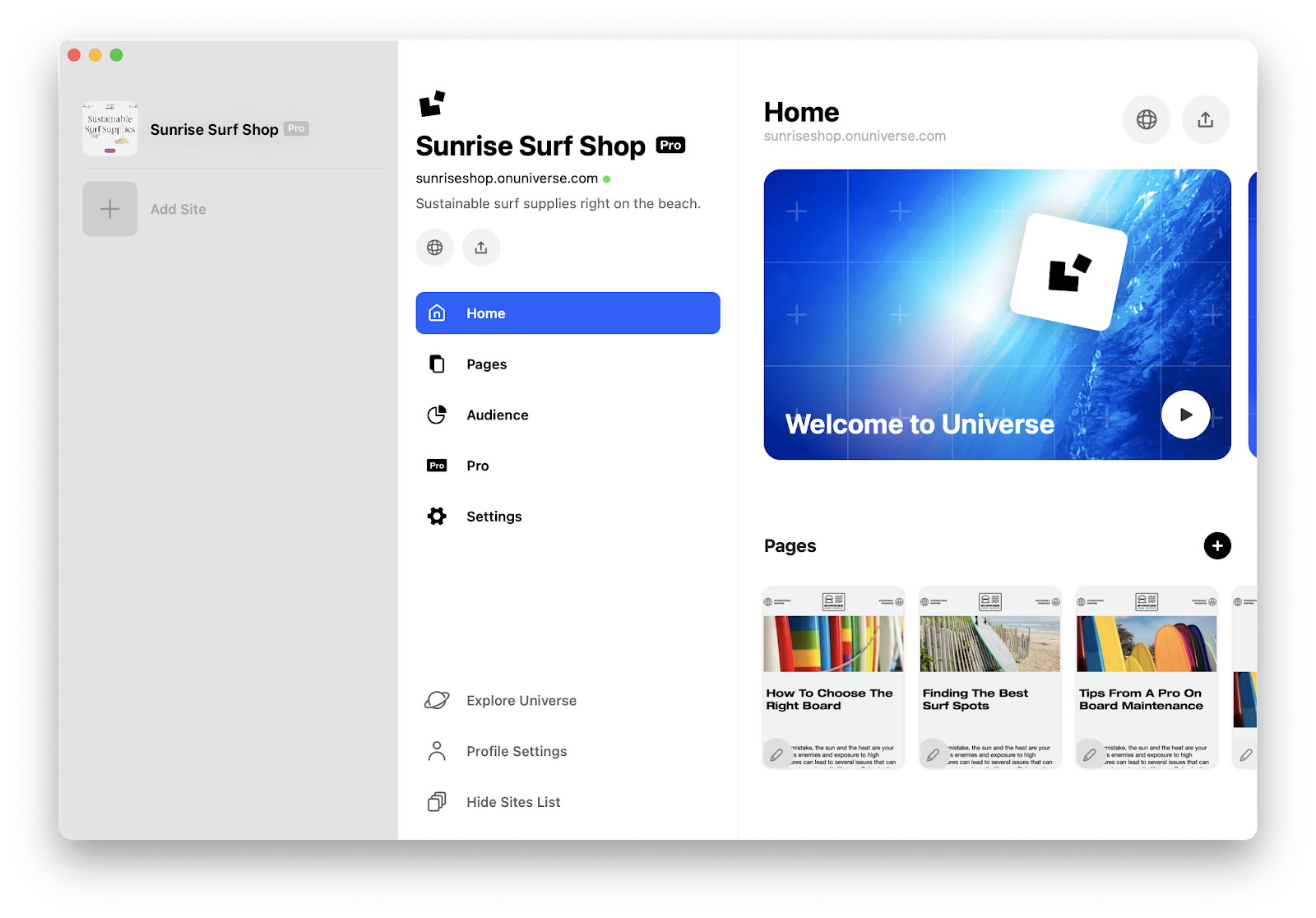
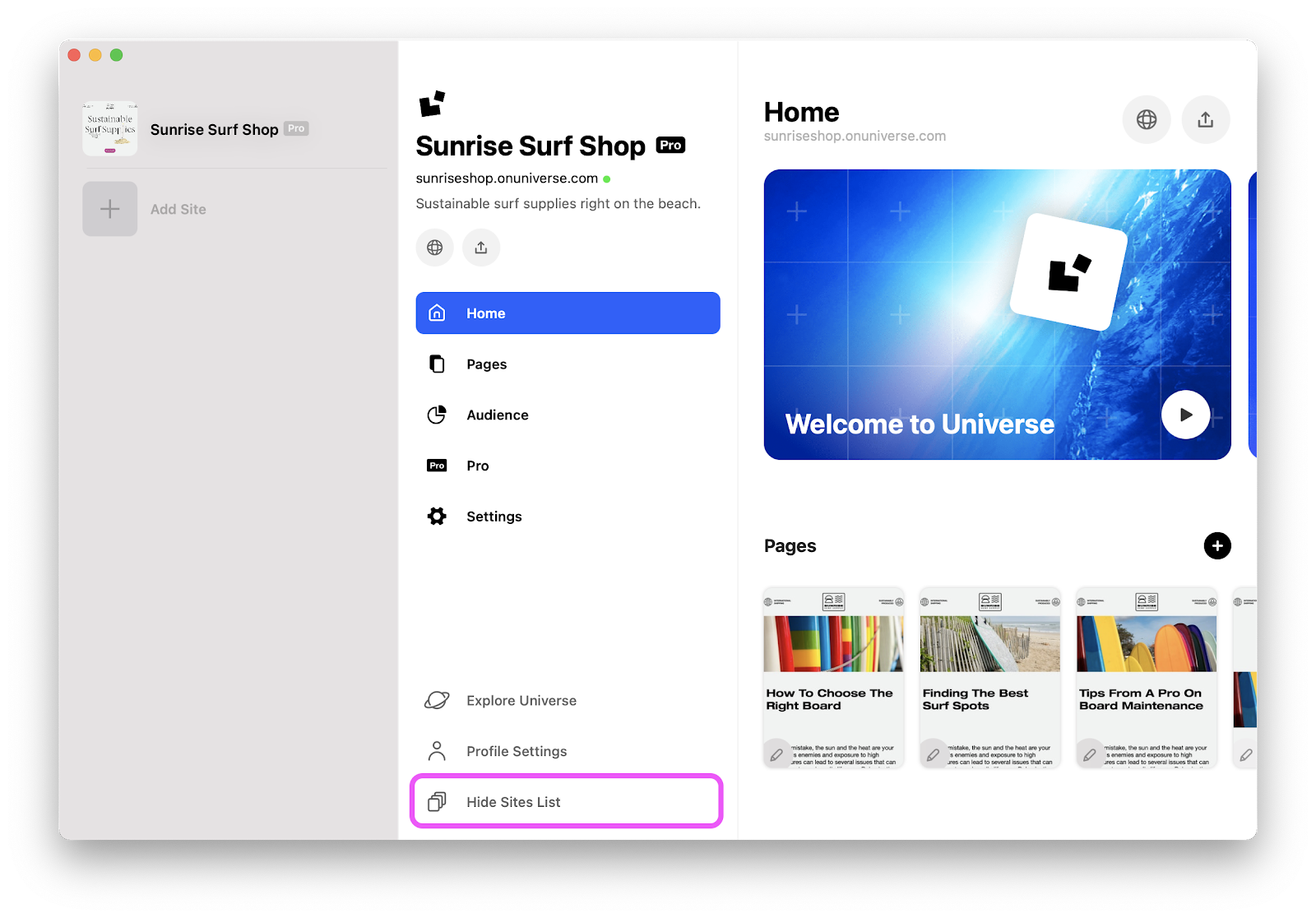
- To close this menu, click the same button which is labeled Hide Sites List.
🌟If you need help getting started or adding blocks to your site, check out the our getting started with Univer.se resources.
Ask the Community
Do not worry. You are not alone! Ask other Universe creators how they solved this problem. Visit the community. ✌️